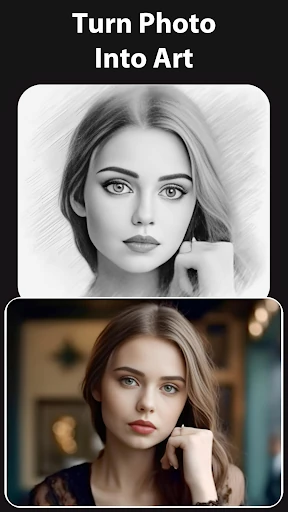
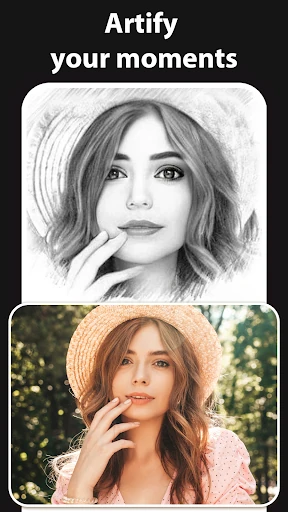
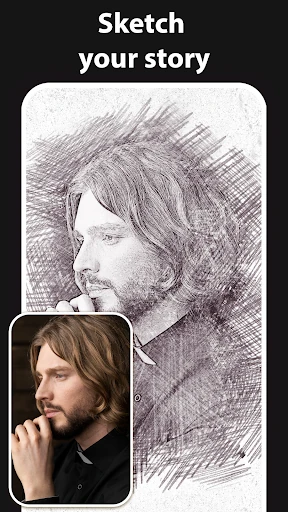
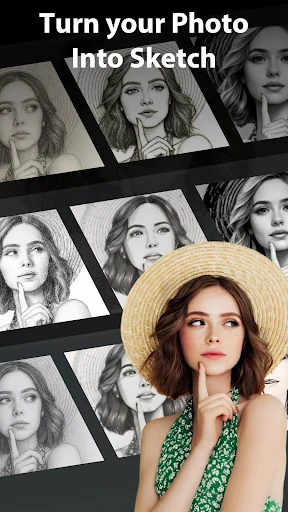
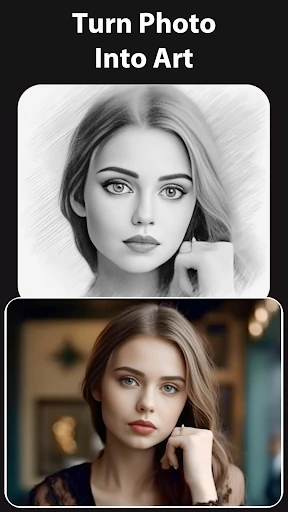
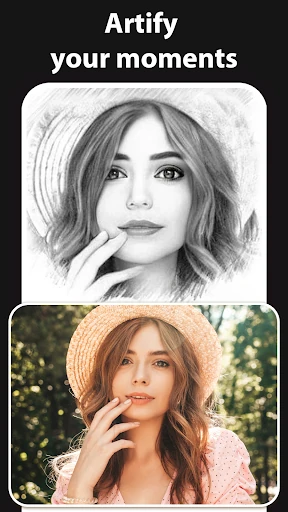
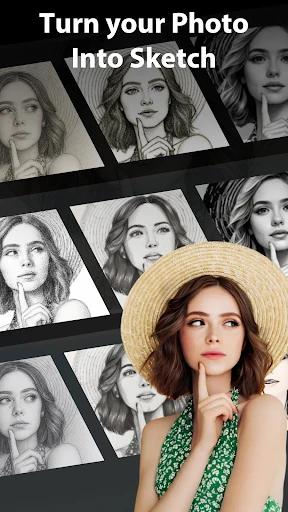
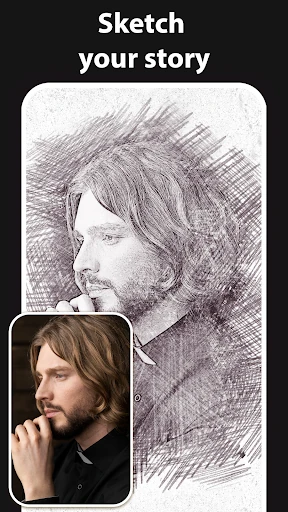
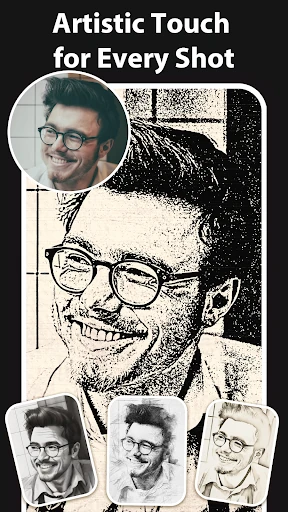
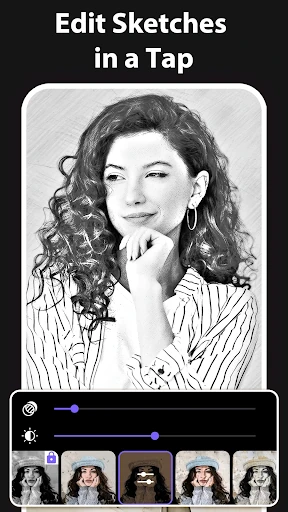
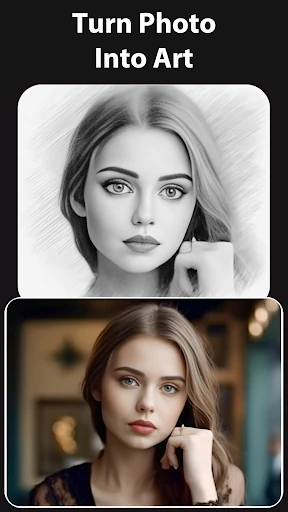
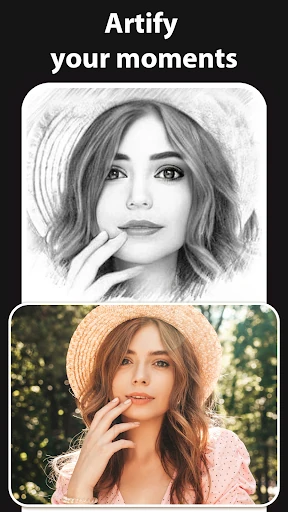
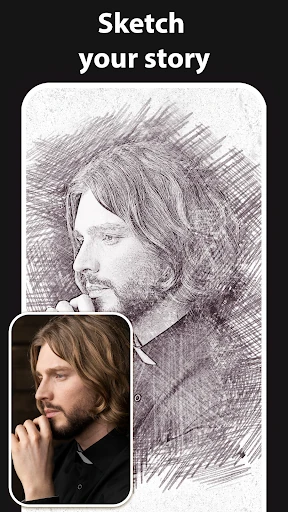
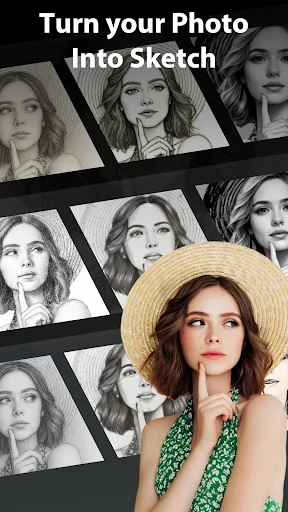
Turn a photo into a sketch
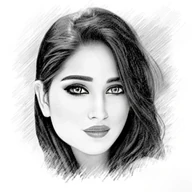
Pencil Sketch Photo Editor applies drawing-inspired effects to photos, making it a fit for anyone who wants a quick illustrated version of a portrait, landscape, or everyday object without drawing by hand. Choose an image, try a style, and adjust the result in the editor.
Styles to try
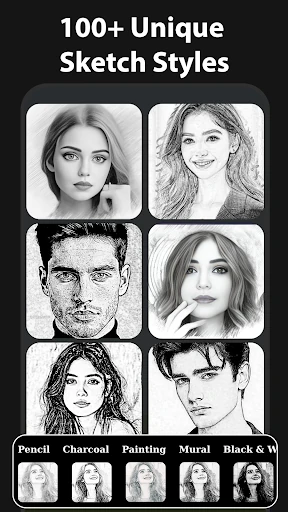
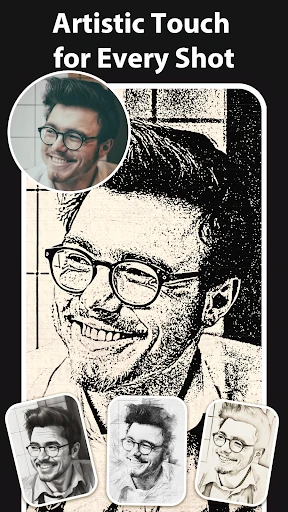
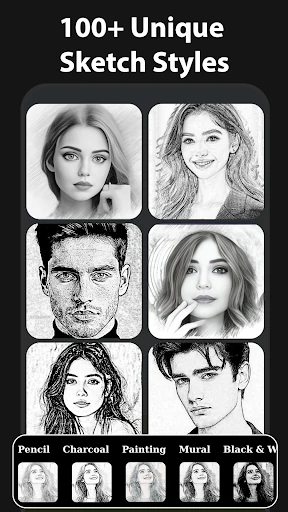
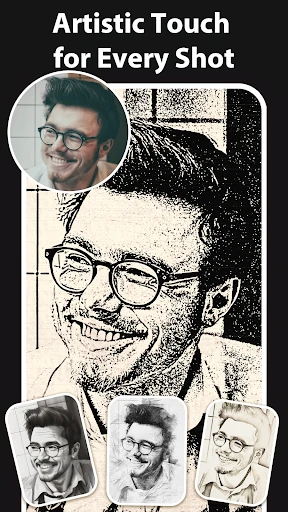
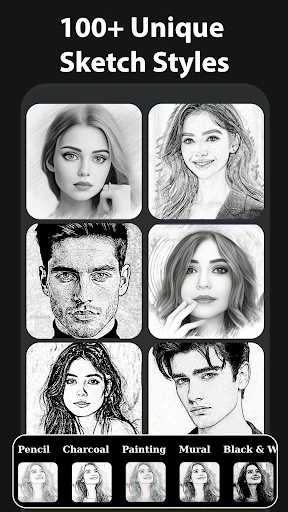
The app offers several looks rather than a single pencil filter. Its options include sketch, doodle, and hatch effects, along with cartoon, pastel, stamp, halftone, and color-sketch treatments. Some styles suit clean outlines; others add denser marks or a more playful finish. You can crop an image and add a frame to complete the composition.
Adjust the finish
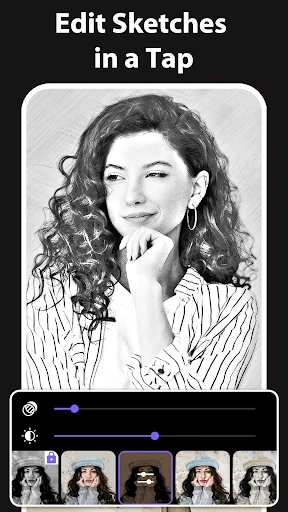
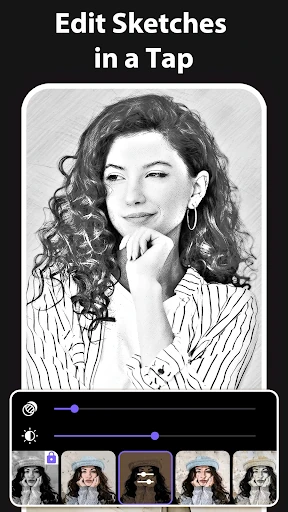
When a preset is close but not quite right, editing controls let you change edge strength, opacity, contrast, brightness, and saturation. That gives you some room to bring out outlines or soften the overall effect. The app also includes a camera mode for taking a photo to edit, with pinch zoom and tap-to-focus controls.
- Useful for: making stylized portraits, turning scenery into sketch-like images, or trying cartoon and other graphic effects.
- After editing: save finished images to your gallery or share them from the app.
Who it suits
This is a straightforward choice for casual photo editing, especially if you want several drawing effects in one place and prefer adjusting a filter over working with drawing tools. Its 3D sketch effect is another option for giving a photo a more dimensional, drawn appearance. It is not presented as a full illustration workspace; its focus is transforming photos with effects.
At a glance: Pencil Sketch Photo Editor is published by Maxlabs Photo Editor in Photography. It has a 4.3-star rating from about 62,000 ratings and has passed 10 million installs.