Touchpad for Big Phone & Tab
mPointer
Downloads
1,000,000+
Source
Google Play
Advertisement
Click to download now, finish the installation quickly, and directly unlock the all-round experience
Advertisement
Screenshots
Click to download now, finish the installation quickly, and directly unlock the all-round experience
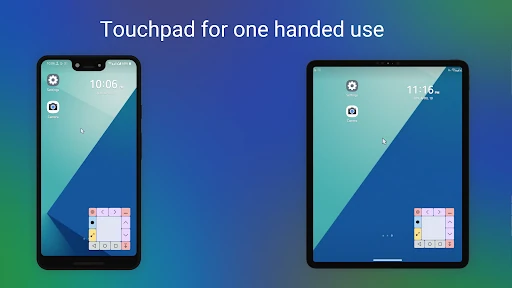
Touchpad for Big Phone & Tab adds a movable touchpad and cursor to Android, helping you control parts of a large phone or tablet that are awkward to reach with your thumb. It is aimed at people who want one-handed access without shrinking the rest of the display. The app is made by mPointer and sits in Productivity.
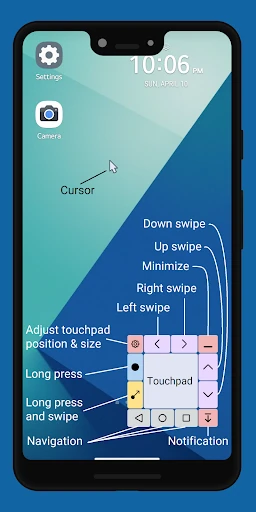
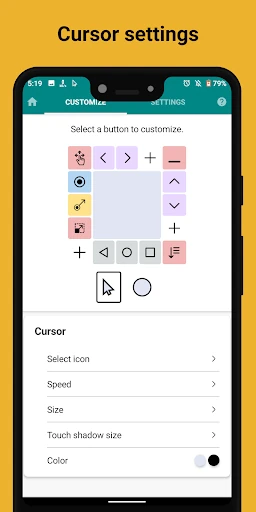
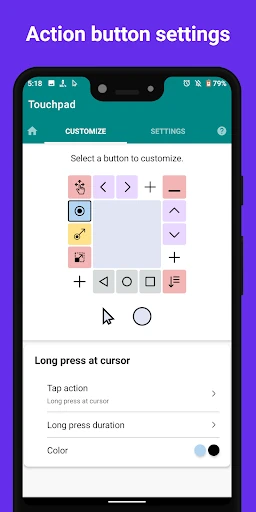
Use the touchpad to move the on-screen cursor, then tap to interact with items elsewhere on the screen. Extra controls put common actions within reach, including Home, Back, Recents, notifications and volume. The app also offers buttons for gestures such as swiping and long-pressing, which can make some screen actions easier to trigger one-handed.
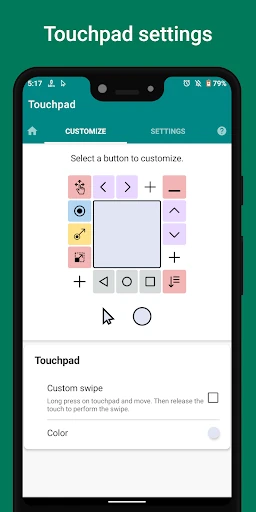
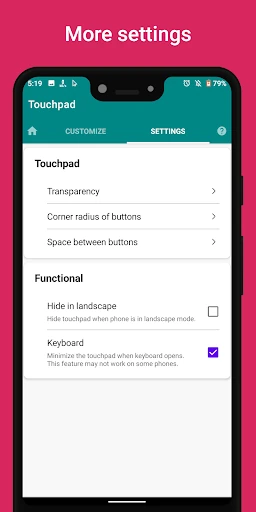
You can change the touchpad’s size, transparency and button layout to suit your device and preferences. When you do not need the full control panel, a minimized floating button keeps it available while taking up less space. The app uses Android’s Accessibility service for its controls, so expect to grant that permission as part of setting it up.
This is a practical pick if reaching the top of a tall display is a regular nuisance, or if you use a tablet and want a cursor-style way to navigate. It is less relevant if your device is already comfortable to operate one-handed or you do not want a floating control on screen. Its 3.94 rating from 5,193 reviews and 1,000,000+ installs offer a useful snapshot of its reception and reach.